#software #accelerator #ai #on-device
SNPE = Snapdragon Neural Processing Engine
In this tutorial we assume that Qualcomm SNPE has been successfully installed use QPM. Follow “Qualcomm Package Manager 1.0” -> “AI stack” -> “Neural Processing SDK” and install.
After installation, you can find its latest documentation at $SNPE_ROOT/docs/SNPE/html/general/index.html. I’m using Ubuntu 20.04 on WSL2 on Windows 11.
Setup environment#
- Follow the Setup Chapter of the document to install necessary tools and Python packages.
- If you just want to quickly run this example, you can skip the following details
Python packages#
I strongly recommend to use conda to manage your Python virtual env, since SNPE suggest to use a particular Python version.
conda create -n xrbench python=3.8
conda activate xrbench
Then follow the Setup chapter to install the necessary Python packages.
Environment variables#
We need to set a list of environment variables to specify the location of target tools, you can find the details in this makefile
Companion git repo#
I’ve consolidated all the commands and scripts used in this serial of tutorials in a GitHub repo at xrbench-snapdragon, so download it and analyze the makefiles and python scripts in this repo will make your life easier.
Later commands assumes that you’ve already got this repo cloned.
git clone https://github.com/jimwang99/xrbench-snapdragon.git
cd xrbench-snapdragon/inception_v3
Prepare model#
Extract model assets use ${SNPE_ROOT}/examples/Models/inception_v3/scripts/setup_inceptionv3.py, with the companion git repo, you can do:
make prepare_modelThis provided Python script will try to download the asset package at ./assets/inception_v3_2016_08_28_frozen.pb.tar.gz, and extract its content to ${SNPE_ROOT}/examples/Models/inception_v3/data directory.
The detailed command is python3 /opt/qcom/aistack/snpe/2.14.2.230905/examples/Models/inception_v3/scripts/setup_inceptionv3.py --download --htp_soc sm8450 --assets_dir ./assets --runtime dsp
NOTE: we are using
sm8450as the SoC type because we are targeting Galaxy S22. If you are using Galaxy S23, change it tosm8550instead.
Test it on host#
After assets is downloaded, you can simply test it on the host machine.
make test_model_on_hostInput images are: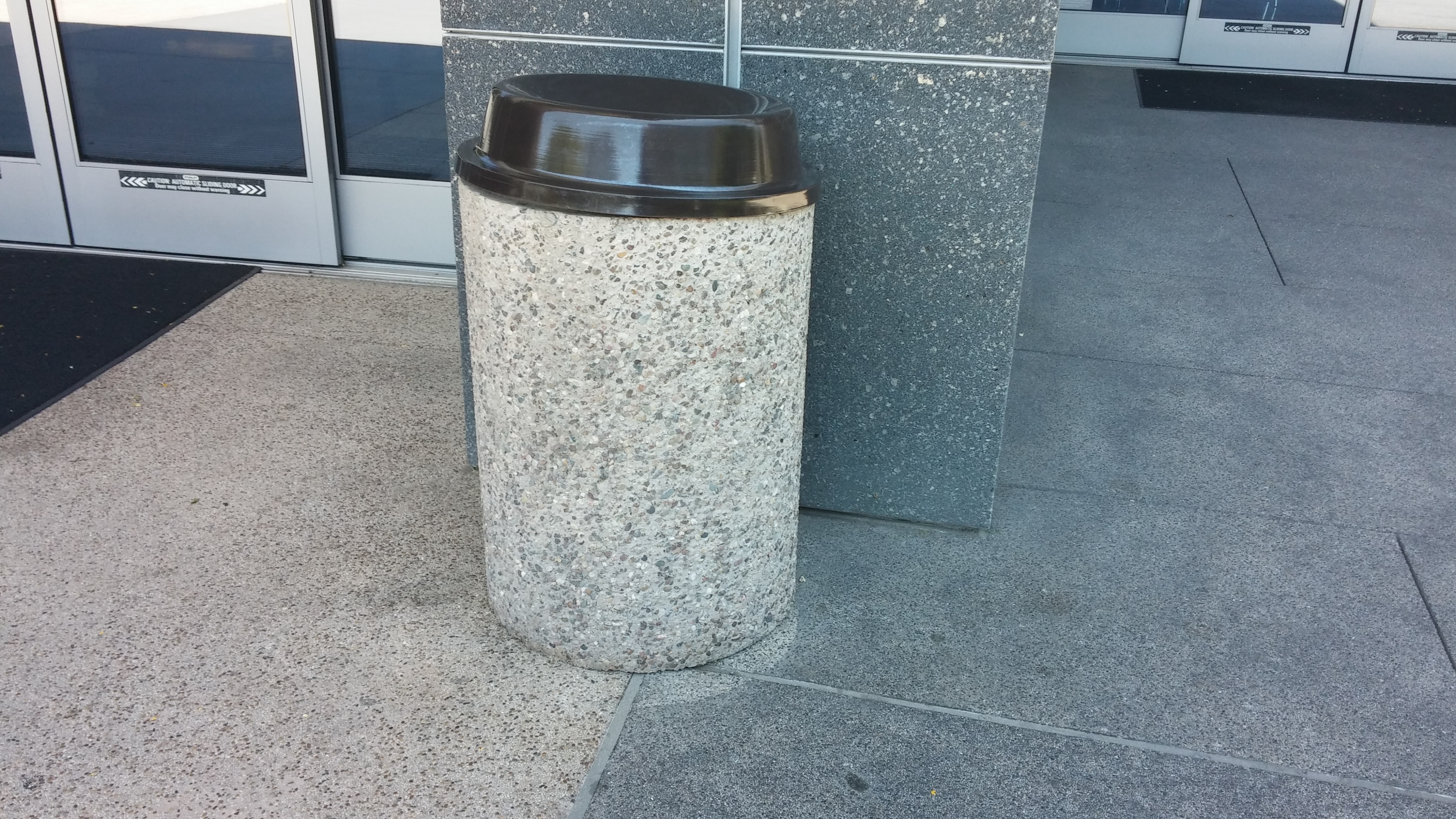
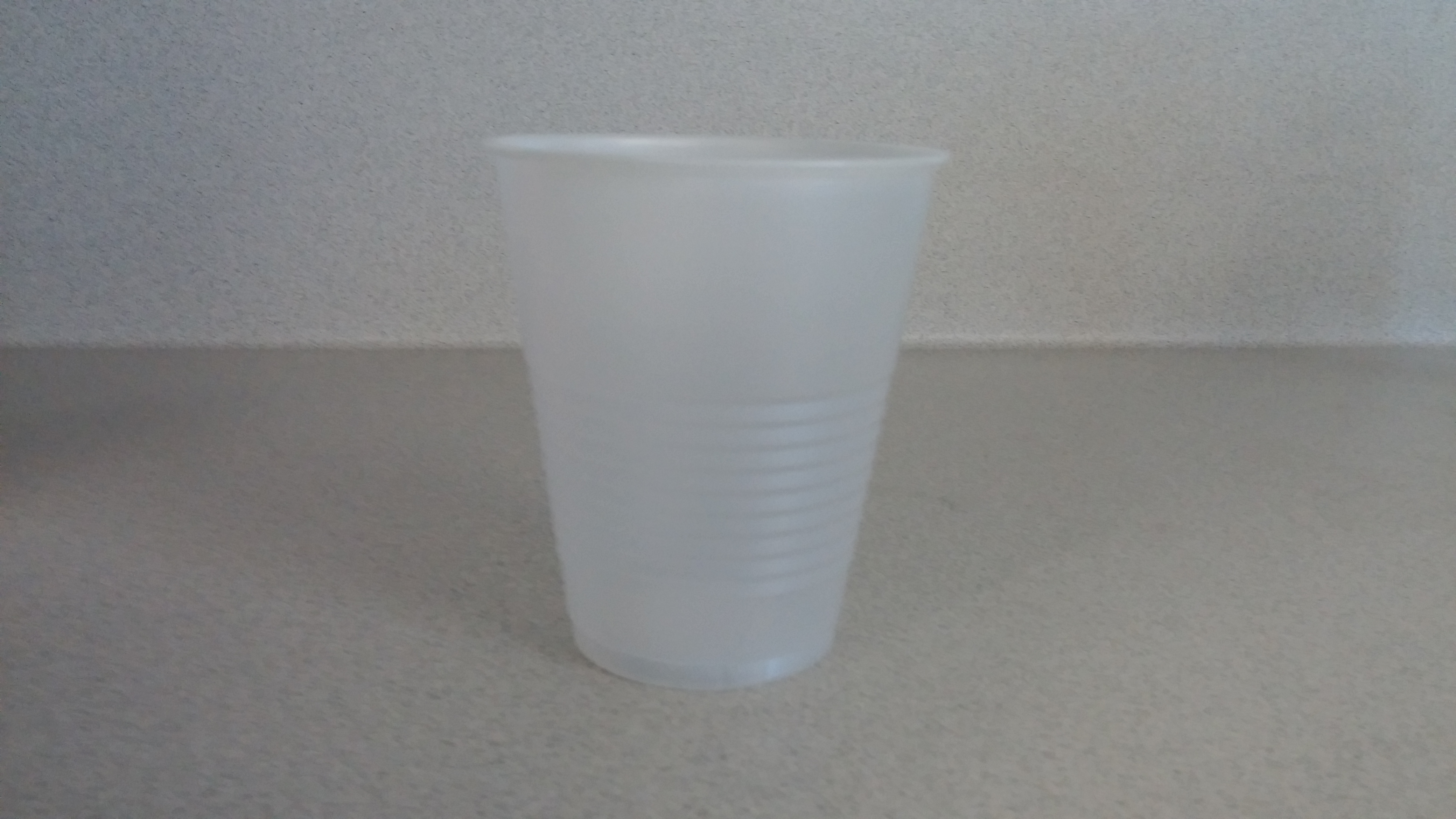
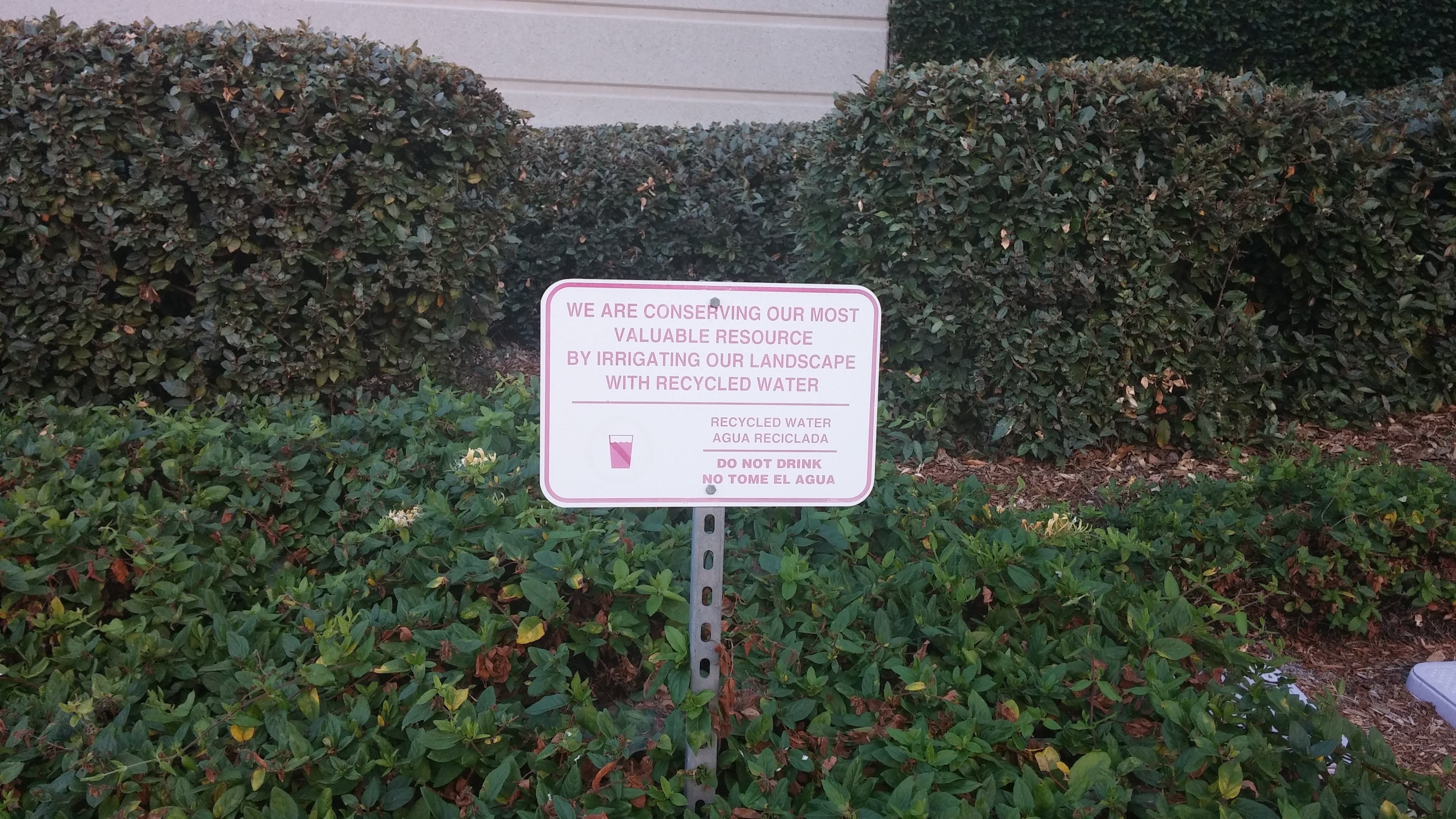
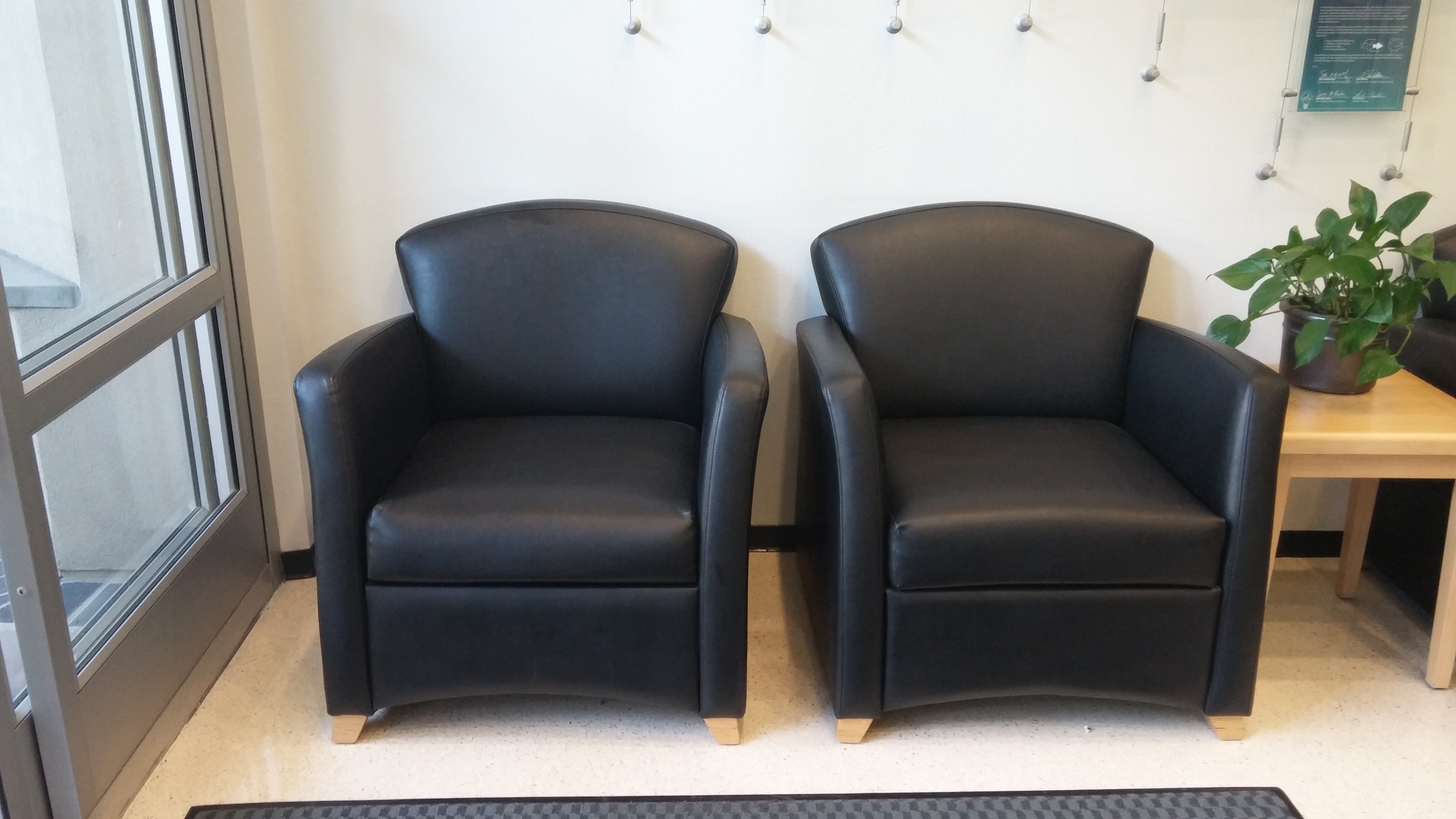
Expected output of snpe-net-run:
-------------------------------------------------------------------------------
Model String: N/A
SNPE v2.14.2.230905160328_61726
-------------------------------------------------------------------------------
Processing DNN input(s):
/opt/qcom/aistack/snpe/2.14.2.230905/examples/Models/inception_v3/data/cropped/plastic_cup.raw
Processing DNN input(s):
/opt/qcom/aistack/snpe/2.14.2.230905/examples/Models/inception_v3/data/cropped/trash_bin.raw
Processing DNN input(s):
/opt/qcom/aistack/snpe/2.14.2.230905/examples/Models/inception_v3/data/cropped/chairs.raw
Processing DNN input(s):
/opt/qcom/aistack/snpe/2.14.2.230905/examples/Models/inception_v3/data/cropped/notice_sign.raw
Successfully executed!
Expected output of show_inceptionv3_classifications.py
Classification results
/opt/qcom/aistack/snpe/2.14.2.230905/examples/Models/inception_v3/data/cropped/plastic_cup.raw 0.977711 648 measuring cup
/opt/qcom/aistack/snpe/2.14.2.230905/examples/Models/inception_v3/data/cropped/trash_bin.raw   0.747274 413 ashcan
/opt/qcom/aistack/snpe/2.14.2.230905/examples/Models/inception_v3/data/cropped/chairs.raw      0.299139 832 studio couch
/opt/qcom/aistack/snpe/2.14.2.230905/examples/Models/inception_v3/data/cropped/notice_sign.raw 0.170401 459 brass
Connect device on WSL#
NONE: If you are using native Linux machine, please skip this section. Alternatively, you can choose to use ADB from windows directly
Follow the following guide to install usbipd
Connect USB Devices on WSL
Run the following commands on Windows Command Prompt as Administrator
- List USB devices connected to your computer
usbipd wsl listBUSID VID:PID DEVICE STATE
1-23 04e8:6860 Galaxy S22, SAMSUNG Mobile USB Modem, SAMSUNG Mobile USB ... Not attached- Attach the device to your WSL
usbipd wsl attach --busid 1-23- Troubleshooting
- If you get
usbip: error: Attach Request for 1-23 failed - Device busy (exported), kill youradb.exeprocess on you windows machine and try again
- If you get
Alternative for WSL#
Use ADB.exe from Windows directly, since Windows installed ADB is a CLI tool that can be called from WSL.
- Install Windows version Android studio
- Find
adb.exein your/mnt/c/Users/${WINDOWS_USER_NAME}/AppData/Local/Android/Sdk/platform-tools/adb.exe - Make a symbolic link to your path directory, such as
/home/${USER}/.local/bin
Test connection#
adb devicesExpected output:
List of devices attached
R3CT60H611X     device
Prepare device#
make prepare_deviceThis step copies the following files to device:
- Runtime executable:
snpe-net-runandsnpe-platform-validator - Cross-compiled libraries
- Model artifacts and input images
Validate device#
make validate_deviceThis step checks whether target runtime, gpu/dsp/aip, is available on the connected device. It requires the above step to be completed successfully.
NOTE: this step is important because it gives you detailed information to help you debug why certain runtime is not available.
For Galaxy S22, it has both GPU and DSP runtime
Expected output of validating GPU runtime:
PF_VALIDATOR: DEBUG: Calling PlatformValidator->setRuntime
PF_VALIDATOR: DEBUG: Calling PlatformValidator->RuntimeCheck
PF_VALIDATOR: DEBUG: Building and running a simple Vector addition gpu program.
Unit Test on the runtime GPU: Passed.
SNPE is supported for runtime GPU on the device.
PF_VALIDATOR: DEBUG: Calling PlatformValidator->IsRuntimeAvailable
Runtime GPU Prerequisites: Present.
PF_VALIDATOR: DEBUG: Calling PlatformValidator->GetLibVersion
Library Version of the runtime GPU: OpenCL 3.0
PF_VALIDATOR: DEBUG: Calling PlatformValidator->GetCoreVersion
Core Version of the runtime GPU: Adreno(TM) 730
Expected output of validating DSP runtime
PF_VALIDATOR: DEBUG: Calling PlatformValidator->setRuntime
PF_VALIDATOR: DEBUG: Calling PlatformValidator->RuntimeCheck
PF_VALIDATOR: DEBUG: Setting up QnnBackend
PF_VALIDATOR: DEBUG: Snpe-QNN HTP backend initialization successful
PF_VALIDATOR: DEBUG: CPU side validation passed.

PF_VALIDATOR: DEBUG: starting calculator test
PF_VALIDATOR: DEBUG: Loading HTP stub: libcalculator_htp.so
PF_VALIDATOR: DEBUG: Successfully loaded DSP library - 'libcalculator_htp.so'.  Setting up pointers.
Error opening session with unsigned PD
PF_VALIDATOR: DEBUG: Success in executing the sum function
Unit Test on the runtime DSP: Passed.
SNPE is supported for runtime DSP on the device.
PF_VALIDATOR: DEBUG: Calling PlatformValidator->IsRuntimeAvailable
PF_VALIDATOR: DEBUG: CPU side validation passed.

PF_VALIDATOR: DEBUG: starting calculator test
PF_VALIDATOR: DEBUG: Loading HTP stub: libcalculator_htp.so
PF_VALIDATOR: DEBUG: Successfully loaded DSP library - 'libcalculator_htp.so'.  Setting up pointers.
Error opening session with unsigned PD
PF_VALIDATOR: DEBUG: Success in executing the sum function
Runtime DSP Prerequisites: Present.
PF_VALIDATOR: DEBUG: Calling PlatformValidator->GetLibVersion
PF_VALIDATOR: ERROR: The fastRPC library version is not implemented yet.

Library version of the runtime DSP: Not Found.
PF_VALIDATOR: DEBUG: Calling PlatformValidator->GetCoreVersion
Core Version of the runtime DSP: Hexagon Architecture V69
Run model on device#
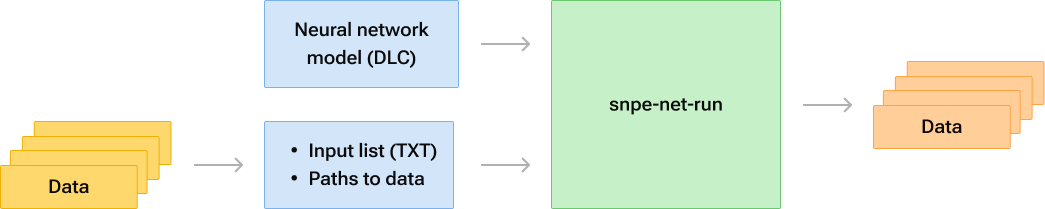
Run model on CPU/GPU/DSP#
make run_model_on_device_cpu
make run_model_on_device_gpu
make run_model_on_device_dsp
Each one of them will output
-------------------------------------------------------------------------------
Model String: N/A
SNPE v2.14.2.230905160328_61726
-------------------------------------------------------------------------------
Processing DNN input(s):
cropped/plastic_cup.raw
Processing DNN input(s):
cropped/trash_bin.raw
Processing DNN input(s):
cropped/chairs.raw
Processing DNN input(s):
cropped/notice_sign.raw
Successfully executed!
Benchmark model on CPU/GPU/DSP#
make benchmark_model_on_deviceThis script will try to run given model on device’s CPU, GPU and DSP with profiling turned on. It will generate benchmark output in a CSV format at output/inception_v3/results/2023-10-18_16:17:02/benchmark_stats_Inception_v3.csv